
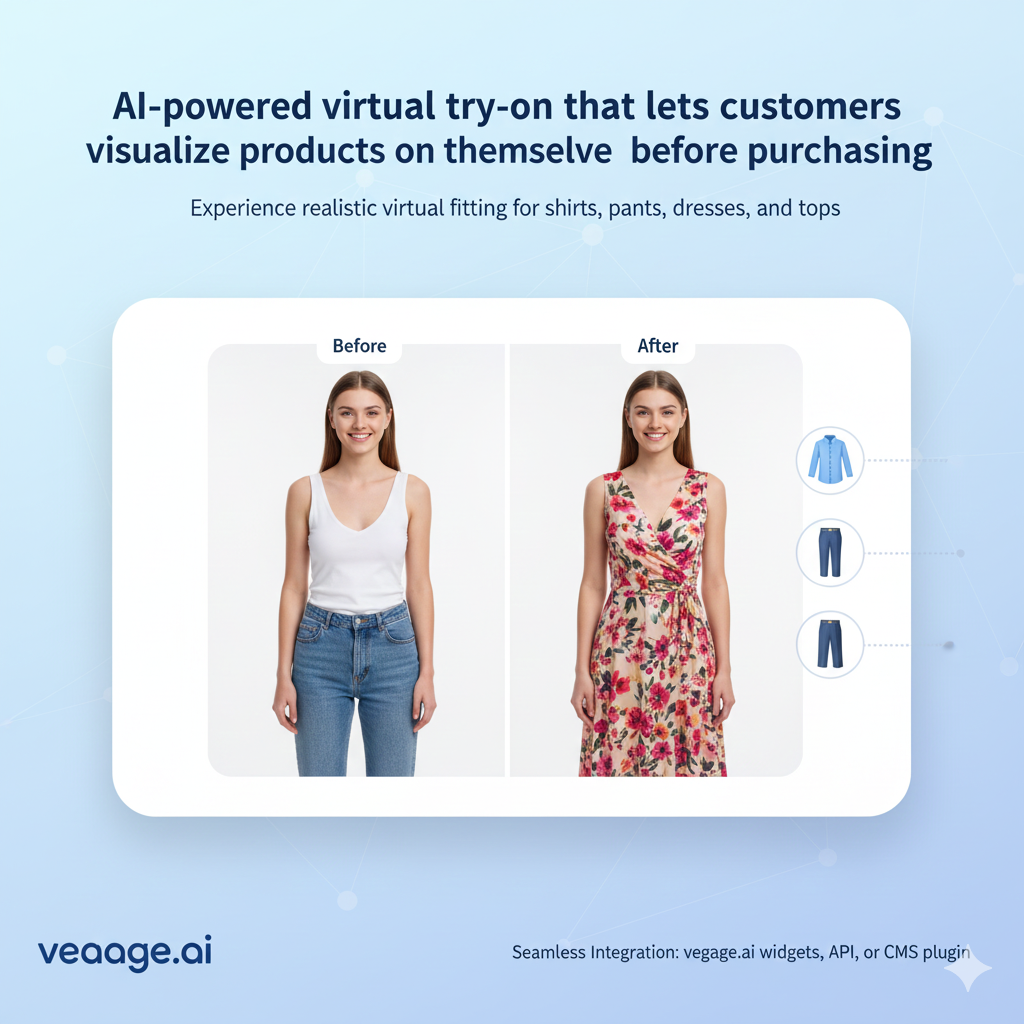
Apparels
Virtual try-on for clothing and apparel. Customers visualize shirts, dresses, pants, and more before buying. Reduce returns and increase sales for fashion e-commerce.
Key Features
Overview
V-Try-On is a powerful virtual try-on tool designed to bring your products to life. It supports a wide range of categories:
With V-Try-On, customers can virtually try your products on models or even on their own uploaded images. Integration is seamless, use our vegage.ai widgets, API, or a plugin for your CMS to instantly enhance your eCommerce store with interactive, engaging product experiences.
Allow customers to virtually try on products directly on your website.
Step 1: Include the Script
Add the following script tag to the <head> section of your HTML:
<script src="https://scripts.vegage.ai/tryon/v1/index.js?api={API_KEY}"></script>Replace {API_KEY} with your actual API key from the API keys tab above.
Step 2: Add the Container
Add the following div element where you want the try-on widget to appear:
<div id="v-tryon-container"
 data-sku="{PRODUCT_SKU}"
 data-primary-color="{COLOR_HEX}"
 data-secondary-color="{COLOR_HEX}">
</div>
Attributes:
data-sku- Required. The product SKU to use for try-on.data-primary-color- Optional. Primary color in hex format (e.g., #dd2027). Defaults to #dd2027 if not provided.data-secondary-color- Optional. Secondary color in hex format (e.g., #1b1b1b). Defaults to #1b1b1b if not provided.
Complete Example
<!DOCTYPE html>
<html>
<head>
 <title>My Store</title>
 <script src="https://scripts.vegage.ai/tryon/v1/index.js?api=YOUR_API_KEY_HERE"></script>
</head>
<body>
 <h1>Product Try-On</h1>
 <div id="v-tryon-container"
 data-sku="CXP-001"
 data-primary-color="#dd2027"
 data-secondary-color="#1b1b1b">
 </div>
</body>
</html>
Features
- Fully responsive design that works on all devices
- Customizable colors to match your brand
- Drag and drop or click to upload images
- Previous generations carousel with navigation
- No external dependencies - pure JavaScript and CSS
About V-Try-On
Shoppers upload a photo and see how your clothes, accessories, shoes, jewelry, or bags look on them. That clarity cuts down returns and lifts conversions. Plugs into Shopify, WooCommerce, Magento, and custom stores.
Explore all V-Try-On toolsOther V-Try-On Tools
Accessories
Virtual try-on for accessories including glasses, watches, earbuds, hats, and more. Help customers see how accessories look before buying.
Shoes
Virtual footwear try-on for shoes, sneakers, sandals, boots, and all types of footwear. Help customers visualize shoes before purchasing and reduce sizing uncertainty.
Jewels
Jewelry visualization for earrings, necklaces, bracelets, rings, and all types of jewelry. Help customers see how jewelry complements their style before buying.
Bags
Virtual try-on for handbags, backpacks, tote bags, luggage, and all bag types. Help customers visualize bags when carried and choose the perfect size and style.